

Virtual Keypad gives customers the convenience of remotely managing their security systems from their computer, tablet, or smartphone.
Virtual Keypad provides a unified platform for managing:
-
intrusion
-
access control
-
video
-
automation
-
notifications
-
user management
-
operational workflows
from virtually anywhere.
Designed for commercial, enterprise, multi-site, and high-security environments, Virtual Keypad helps customers stay connected to their system, improve operational awareness, and respond quickly to important events from a single application.
Demo Purpose
This demo demonstrates how Virtual Keypad provides customers with a convenient, unified way to remotely manage their security environment from a browser or mobile device.
Customers can:
-
arm and disarm systems
-
manage doors and access
-
view live and recorded video
-
receive notifications
-
automate operational workflows
-
manage users and schedules
-
review events and reports
-
oversee multiple locations
from a single platform.
The workflows demonstrated throughout this demo support:
-
commercial environments
-
enterprise operations
-
high-security facilities
-
multi-site organizations
-
integrated security deployments
Presenter Talk Track
“Today we are going to look at Virtual Keypad, which gives customers the convenience of remotely managing their security systems from their computer, tablet, or smartphone.
Rather than requiring customers to be physically at a keypad or tied to one workstation, Virtual Keypad allows them to stay connected to their system from virtually anywhere.
From one interface, customers can:
-
manage intrusion
-
control doors
-
view video
-
automate workflows
-
manage users
-
review events
-
receive notifications
-
and oversee multiple locations
The value is not simply remote control.
The value is having operational awareness and security management available from a single unified platform.”
Demo Flow
Demo Steps
-
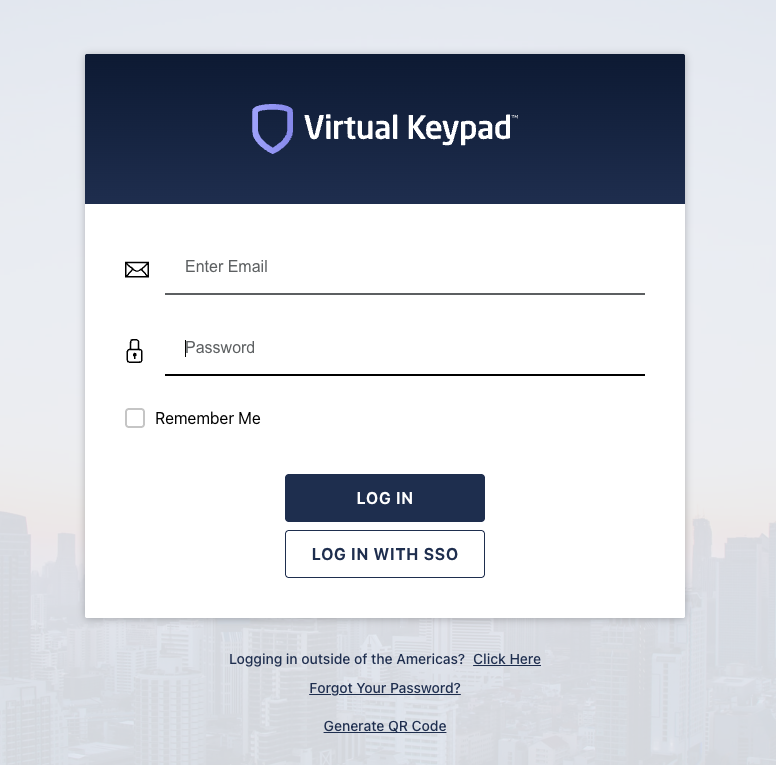
Start at the VirtualKeypad.com login page or within the mobile app.
-
Log into the demo environment.
-
Select Switch System to select the desired demo system.

-
Briefly explain:
-
browser access
-
mobile access
-
Single Sign-On support (if applicable)
-
-
Transition into the System Overview dashboard.
Key Themes
Unified Platform
One application for intrusion, access, video, automation, and operational awareness.
Remote Convenience
Customers can manage their systems from anywhere.
Operational Awareness
Customers can quickly understand what is happening across their environment.
Simplified Workflows
Users do not need multiple disconnected systems to manage security operations.
Scalable Experience
The same platform can support:
-
single-site customers
-
enterprise organizations
-
high-security environments
-
multi-site operations
Key Message
Virtual Keypad transforms the customer’s security system into a remotely managed, unified operational platform accessible from virtually anywhere.